Is my phone listening to me? Why the ads still feel too accurate
Is my phone listening to me? What researchers and the FTC actually found, why the ads still match your conversations, and the settings that make a difference.

You mention to a coworker that your knee has been bothering you. You never type a word about it. That evening a brace for runners shows up in your Facebook feed. Almost everyone has a story like that, and it leads to the same question: is my phone listening to me? Here is the short answer up front. Every rigorous test so far points away from phones secretly recording conversations to sell ads. What does happen is duller, and in many ways it reaches further.
The suspicion is not silly, though. A real US media company did sell eavesdropping-based ad targeting as a product, and researchers have tested the theory at scale. We will look at both, then at the data trails that make ads feel so accurate, and finally at the settings you can check yourself.
Is my phone listening to me? What the research found
The most thorough test came out of Northeastern University in Boston. In 2018 a team led by computer scientist Elleen Pan and professor David Choffnes set out to catch Android apps sending audio, images or video without permission. They found no secret audio, and they did turn up something nobody had expected.
The team collected 17,260 apps from Google Play and three other Android stores. First they scanned the code for any access to the camera, microphone or screen. About 9,100 apps that could plausibly leak media then ran on real phones. A test program tapped through each one for up to 16 minutes while the researchers captured all network traffic and searched it for image, video and audio files.
On the microphone question the result was clear. No app in their tests sent a genuine audio file. A handful of tiny fragments that looked like audio at first turned out to be false positives on closer inspection. One side finding is worth knowing: voice assistant apps such as Hound did not upload sound at all, they converted speech to text on the phone and sent only that.
The paper is honest about its blind spots. A conversation turned into text would have slipped past their method, and so would encrypted or deliberately disguised data. Background activity was outside the scope. So this is not proof that it never happens anywhere, but across thousands of apps there was not even a starting point for suspicion.
What the researchers did find was screen recording. When you opened the delivery app GoPuff, it filmed the screen and sent the video to an analytics company called Appsee, including the ZIP code you typed in. On Android, a library inside an app needed no permission for that. GoPuff removed Appsee after the researchers contacted it. The bigger lesson: anyone who wants your data has easier routes than your microphone.

Active Listening: the pitch that turned out to be empty
Then, in late 2023, the smoking gun seemed to arrive. The local marketing arm of Cox Media Group, a Georgia-based media company known as CMG, advertised a service it called Active Listening. Variety quoted the since-deleted pages in December 2023: “It’s True. Your Devices Are Listening to You.” With voice data, the pitch went on, CMG could target ads to the exact people talking about a product. It even answered the legal question for prospective buyers, claiming consent was buried in the app terms people click through.
In August 2024 the tech outlet 404 Media published a CMG sales deck that listed Facebook, Google, Amazon and Bing as partners. Google removed CMG from its Partners Program for ad agencies after the reporters asked for comment. Meta, Amazon, Google and Microsoft all told Mashable they had nothing to do with it. “Meta does not use your phone’s microphone for ads,” a Meta spokesperson said. Amazon said it had never worked with CMG on the program.
The real answer came from the Federal Trade Commission, the federal consumer protection agency. In May 2026 it announced complaints against CMG and two smaller marketing firms, MindSift in New Hampshire and 1010 Digital Works in Wisconsin. According to the FTC, the service never listened to anyone’s conversations and did not use voice data at all. Customers got email lists that the companies had bought from other data brokers and resold at a significant markup. Even the promised local targeting failed to work.
The three companies agreed to pay a combined $930,000, of which $880,000 came from CMG, without admitting the allegations. The FTC finalized the orders in August 2026. One line in the agency’s announcement matters to every phone owner: clicking through mandatory terms of service when you download an app does not count as opt-in consent to having your voice data collected. Had the product worked as advertised, the FTC said, that alone would have broken the law.
So the most famous piece of evidence for the listening phone was a sales pitch used to sell repackaged email lists to small businesses.
| When | What happened | What is documented |
|---|---|---|
| Nov./Dec. 2023 | CMG advertises Active Listening online, then deletes the pages after press coverage | only the marketing claim |
| Aug. 2024 | 404 Media publishes the sales deck; Google drops CMG from its Partners Program | Meta, Amazon, Google and Microsoft deny involvement |
| May 2026 | FTC announces complaints and settlements | no voice data; resold email lists instead |
| Aug. 2026 | FTC finalizes the orders | $930,000 total, 20 years of obligations per trade press |
Smart speakers and voice assistants: waiting for one word
That leaves the devices that are supposed to listen. Siri, Alexa and Google Assistant listen constantly, but only for their wake word. That detection runs on the device, and only after it fires does recording and uploading begin.
Anyone who has had Siri chime in mid-sentence knows the system misfires. A team from Northeastern University and Imperial College London measured how often in 2020. They played hours of TV shows to smart speakers and counted the times the devices woke up without hearing the wake word. They found no evidence that the devices record conversations constantly. They did find misfires: a Google Home Mini averaged 0.95 activations per hour while playing The West Wing. Most of the recordings were short, with some exceptions.
That those snippets can reach human ears is a matter of record. In 2019 Apple acknowledged that people had reviewed a small share of Siri recordings, less than 0.2 percent according to Apple, to grade how well Siri understood requests. Going forward, it said, only Apple employees would do that. After public criticism Apple suspended the program and turned it into something users have to opt into. It was a real privacy problem. It had nothing to do with advertising.
Where the ads actually get their information
If not the microphone, then what? A whole set of channels that feed each other. None of them needs your conversation, and together they often feel creepier than a microphone would.
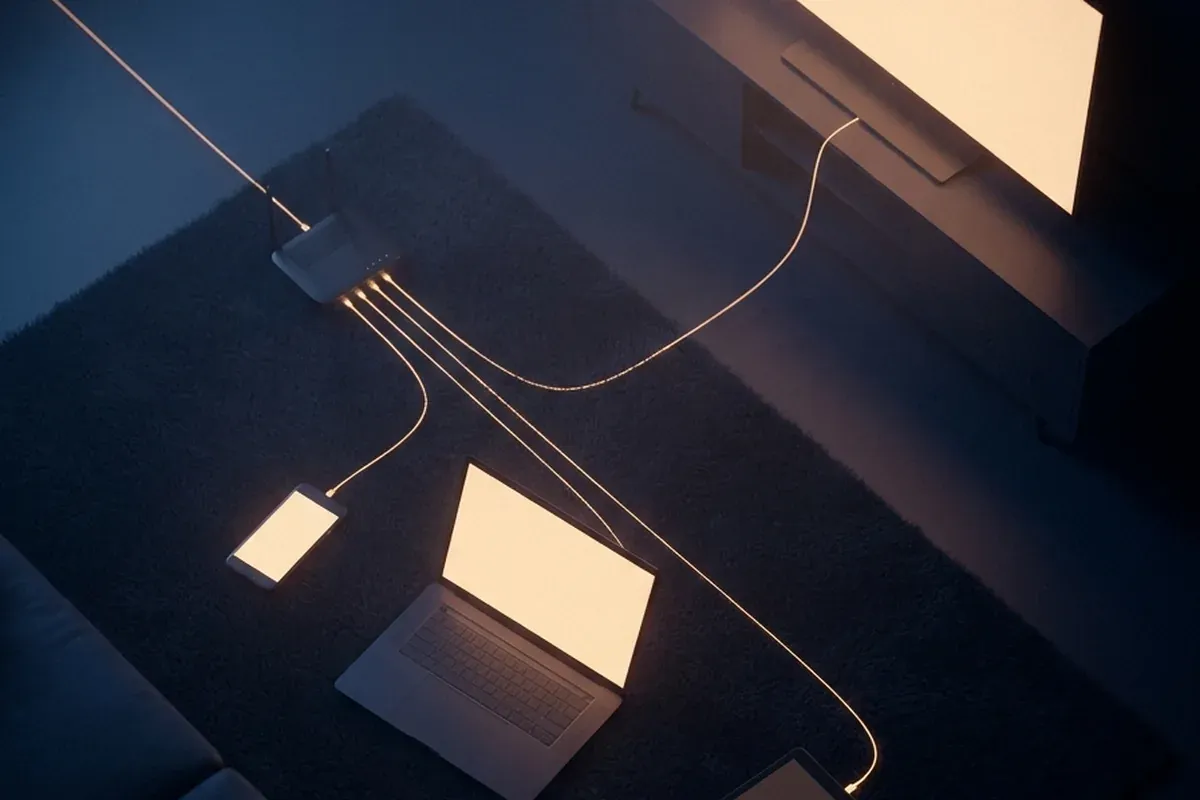
Your advertising ID. Every smartphone has an identifier that lets apps and ad networks recognize you without knowing your name. On Android it is switched on by default. On an iPhone, apps only get it if you allow tracking. Clicks, app use and often location data pile up around that number. Our piece on the advertising ID shows how far that can go.
Location and IP address. Google says in its Ads help pages that ads can be served based on location, including location derived from a device’s IP address. Spend an evening at a physical therapy clinic and you quickly become someone with joint problems in an ad network’s eyes.
Your home Wi-Fi. All devices on your home network usually share one public IP address, which lets ad networks treat them as one household. If your spouse spent Saturday reading about knee braces on the family iPad, that is enough to put the brace in your feed. The conversation with your coworker and the ad then simply had the same cause, which was your sore knee.
What others upload about you. Companies can upload lists of email addresses or phone numbers to ad platforms and target exactly those people. Google calls this Customer Match. Give a store your email at checkout and its ad campaigns can find you. If a friend shared their contacts with an app, your number may sit next to their interests.
Fingerprinting. Even without an advertising ID, a device can be recognized by its screen size, fonts, language settings and dozens of other traits. We explain how in our guide to browser fingerprinting.
Your own memory. In 2006 Stanford linguist Arnold Zwicky gave a name to something that plays a big part here, the frequency illusion. Once you notice something, you believe it happens all the time, driven by selective attention and confirmation bias. You see hundreds of ads a day and forget almost all of them. The one that matches a conversation sticks, while the twenty conversations that were followed by nothing never register.
| Data trail | What it reveals | What you can do |
|---|---|---|
| Advertising ID | app use, clicks, often locations, tied into one profile | delete the ID (Android) or turn off tracking requests (iPhone) |
| GPS location | places you visit, like a clinic or a store | review location access per app, turn off precise location |
| IP address | rough area, household on the same Wi-Fi | can be shifted with a VPN, not switched off |
| Searches by others at home | interests of family and roommates | turn off personalized ads in your accounts |
| Customer lists | that you shop at a certain store | share your email and number sparingly |
| Fingerprinting | recognition without cookies or an ad ID | use a browser that defends against it |
| Confirmation bias | nothing, but it makes coincidences feel like proof | count the hits and the misses honestly |
The ultrasound exception
One microphone trick is documented, though it works nothing like eavesdropping. Some ad tech companies hid inaudible tones between 18 and 20 kilohertz in TV spots or in-store audio. An app with microphone access can pick up those signals and report that you just saw a certain commercial or walked into a certain store.
In 2017 researchers at TU Braunschweig in Germany measured how common this was. They found 234 Android apps that listened for such beacons in the background, and signals in 4 of 35 stores they visited in two European cities. In TV broadcasts from seven countries they found none. Here too, the app needs microphone permission, and it still cannot understand spoken words.
The microphone indicator: your built-in alarm
The best evidence is the kind you collect yourself. Both major phone platforms show when the microphone is in use.
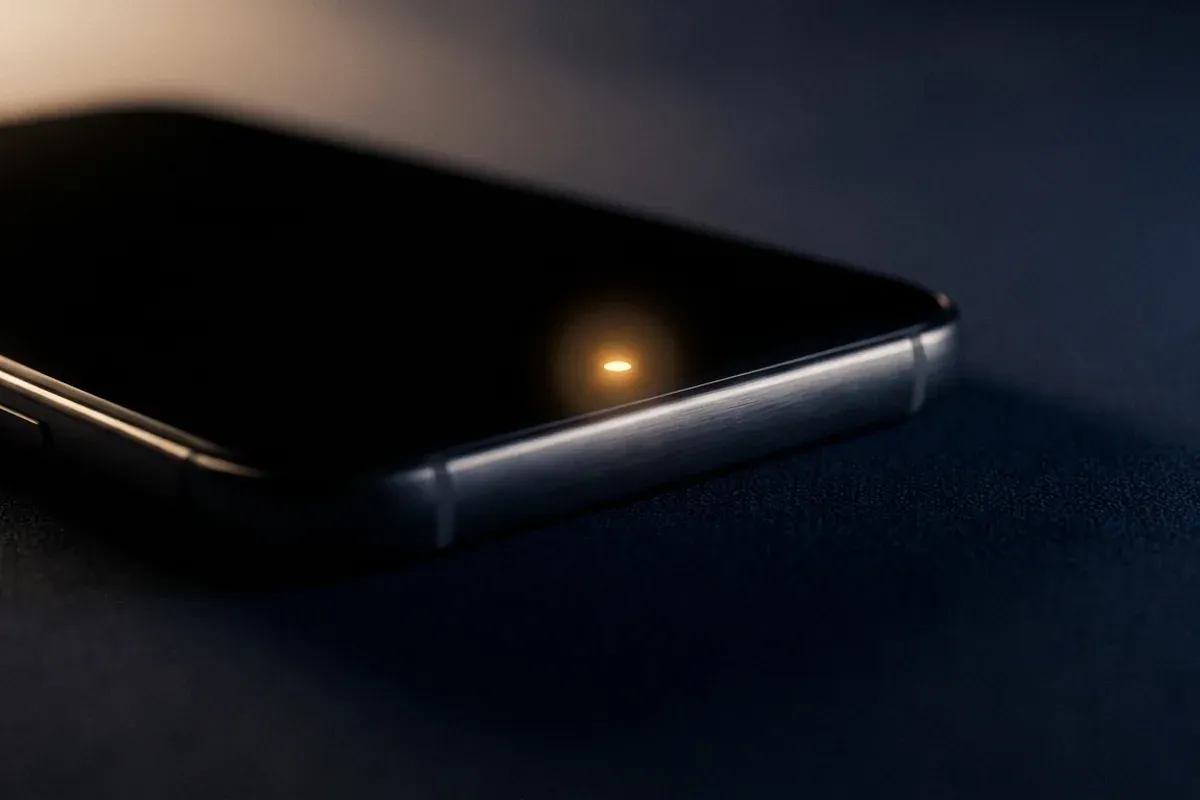
iPhone. Since iOS 14, an orange dot at the top of the screen means an app is using the microphone. A green dot means the camera, or camera and microphone together. If you have Differentiate Without Color turned on, the orange dot becomes an orange square. Since iOS 15.2 there is also the App Privacy Report in Settings, Privacy & Security. It shows when each app accessed the microphone, camera, location and other data over the past seven days.
Android. From Android 12 on, a green indicator appears in the top right corner whenever an app uses the camera or mic. Swipe down and tap it to see which app. The Privacy dashboard under Settings, Security and Privacy lists access for the last 24 hours on Android 12 and the last seven days on Android 13 and later. Quick Settings also has a tile that blocks the microphone for all apps at once.
If your suspicion is specific, test it. Talk about something you have no interest in and never search for, and keep an eye on the indicator. If it lights up while you are not using a voice app, check which app is behind it.
The settings that actually change something
Most of these take a few minutes and do more than lock down the microphone.
Clean up microphone access. On iPhone, go to Settings, Privacy & Security, Microphone. On Android, open the Privacy dashboard or go through App info, Permissions. A messaging app needs the mic for voice notes, a calculator or a game probably does not. Where you can, choose “Only while using the app.”
Get rid of the advertising ID. On iPhone, go to Settings, Privacy & Security, Tracking and turn off “Allow Apps to Request to Track.” On Android, go to Settings, Privacy, Ads and tap “Delete advertising ID.” According to Google, apps then receive only a string of zeros.
Turn off personalized ads in your accounts. Google’s My Ad Center and Meta’s ad preferences both let you switch off personalization. You will not see fewer ads, but fewer of them will be built on your history. If your household shares a tablet, give each person their own profile.
Check location permissions. Hardly any app besides navigation needs your precise location. Turning it off keeps the clinic visit out of your ad profile.

When it really is serious
There is one situation in which a phone really does listen in: when someone has deliberately installed monitoring software on it. That has nothing to do with ads. It usually affects people whose partner, ex or family member had access to the phone. This kind of software tends to hide itself and uses ways in that go beyond normal app permissions.
The warning signs look different: a device management profile you do not recognize, an app you never installed, or someone knowing things they could not know. What to do then, and why you should not delete a suspicious app right away, is covered in our guide Am I hacked?. If you feel threatened, domestic violence advocates can help you plan the next steps safely.
The bottom line
“Is my phone listening to me?” has an honest answer: for advertising, based on everything that has been documented, no. The largest study found no secret audio recordings, and the best-known counterexample was, according to the FTC, a sales pitch without any voice data behind it.
The unease is still justified. It just points in the wrong direction. When an ad for a knee brace follows a chat about your knee, look to your advertising ID, your shared Wi-Fi, searches made in your household and the customer lists stores upload. The microphone is the one channel you can verify with a glance at the top of your screen. For the rest there are settings. They will not make you invisible, but they take away exactly the knowledge that makes those ads feel so uncanny.
Frequently asked questions
- Is my phone listening to me to target ads?
- Every serious measurement says no. Northeastern University researchers tested more than 17,000 Android apps in 2018 and found none sending secret audio recordings. In May 2026 the Federal Trade Commission said a product sold as ad targeting based on overheard conversations did not use voice data at all. Ads that match a conversation almost always come from search history, location, your advertising ID, a shared Wi-Fi network and what other people around you search for.
- How can I tell if an app is using my microphone right now?
- Look at the top of the screen. On an iPhone running iOS 14 or later, an orange dot means an app is using the microphone, and a green dot means the camera, or camera and microphone together. On Android 12 and later, a green indicator appears in the top right corner when the camera or mic is in use. Swipe down and tap it to see which app.
- Are Alexa, Siri and Google Assistant always listening?
- They listen for their wake word all the time, and that detection happens on the device. Recording and uploading starts only after it triggers. They do wake up by mistake. In a study by Northeastern University and Imperial College London that played TV shows to smart speakers, the worst case averaged just under one accidental activation per hour, and the researchers found no evidence of constant recording.
- Why do I see ads for something my partner searched for?
- Devices on the same home Wi-Fi share one public IP address, and ad networks can treat them as one household. Google says in its ads help pages that location derived from a device IP address can be used to serve ads. If your partner researches a vacation on the laptop, your phone can end up with the beach resort ads.
- How do I stop my phone from listening and tracking me for ads?
- Revoke microphone access for apps that do not need it, then remove the advertising ID. On iPhone, go to Settings, Privacy & Security, Tracking and turn off Allow Apps to Request to Track. On Android, go to Settings, Privacy, Ads and tap Delete advertising ID. Also check location permissions app by app and turn off personalized ads in your Google and Meta accounts.
Continue reading
Advertising ID: what the Databroker Files reveal about your phone
A US broker gave away 3.6 billion phone locations from Germany as a free sample. How the advertising ID turns dots into lives, and what resetting it really does.

Spam Calls: What Works, What Does Not, and Why They Get Through
Block spam calls, spot the scripts, report the number. And the real question: why America makes carriers sign every call while Europe just filters.

Spoofing: How Faked Caller IDs Work and How to Stay Safe
Spoofing fakes the sender identity on calls, email and text messages. Why the number on your screen proves nothing, and the one habit that reliably protects you.