Bluetooth beacons in stores: can they track your phone?
Bluetooth beacons in stores only send an ID. What it takes for one to locate you, which apps are really listening, and the settings that matter.

You walk into a grocery store, phone in your back pocket, and head for the cereal aisle. Somewhere on a shelf edge there might be a plastic puck the size of a cookie. Does the store now know you are standing in aisle seven?
The short answer is that it depends on the apps on your phone and what you have allowed them to do. Bluetooth beacons have a reputation as tiny spies that log everyone who walks past. The technology is a lot more modest than that, and the real privacy questions sit somewhere else.
This piece looks at Bluetooth beacons and the apps that listen for them, from store apps with location access to ad code inside unrelated apps. Everything here comes from Apple and Google documentation, store privacy notices and Federal Trade Commission cases. We did not run our own measurements in a store this time.
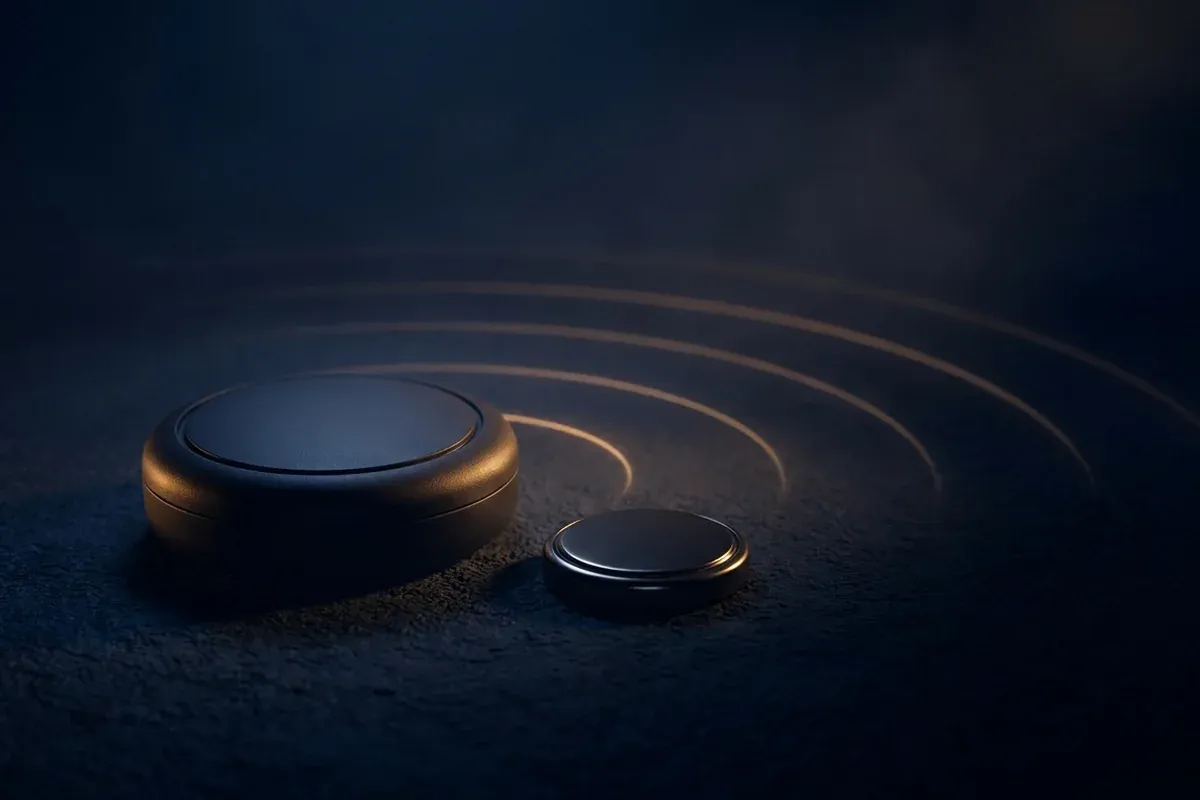
What Bluetooth beacons actually do
A beacon is a small transmitter, usually running on a coin cell, that uses Bluetooth Low Energy, the power-saving flavor of Bluetooth. It has one job. Every fraction of a second it broadcasts an identifier, always the same one, like a lighthouse repeating its pattern.
Apple’s developer documentation calls an iBeacon “a device that emits a Bluetooth signal that can be detected by your devices.” The identifier has three parts. A UUID, a long string of characters, usually stands for the whole company. Two numbers called major and minor narrow it down, for example to one store and one department. Apple’s own example is a department store that marks each section with a beacon while its app points out sale items when you get close.
Google published its own open format, Eddystone. According to the specification on GitHub, the Eddystone-UID frame broadcasts a 16-byte ID split into a namespace and an instance. Another frame, Eddystone-URL, sends a web address instead of an ID.
The part that matters for privacy is what a beacon does not do. In these formats it talks and never listens to shoppers. It gets nothing back from your phone. No phone number, no name, no device ID. All of the detecting happens on your phone.
| iBeacon (Apple) | Eddystone (Google) | |
|---|---|---|
| What it broadcasts | UUID plus two numbers (major, minor) | a 16-byte ID, a URL or status data, depending on the frame |
| Who makes sense of it | an app looking for that exact UUID | an app that understands the format |
| Does it receive anything from you? | no, it only broadcasts | no, only the operator can reconfigure it |
| Visible without an app? | no | no, Android stopped showing beacon notifications in December 2018 |
Why an app has to be listening
A beacon that only talks needs a listener. That listener is an app on your phone, written to watch for particular identifiers. Apple describes a two-step process. First the app listens passively for any beacon with its UUID. Once one shows up, it starts “ranging,” measuring signal strength to estimate whether you are far, near or right next to it. Apple notes that this does not give a precise distance.
On iPhone, all of this runs through Location Services, so the app needs your location permission. One detail makes a big difference. Only with the Always setting can iOS relaunch a closed app when you walk into a monitored area. With While Using the App, the app has to be open.
Android works in a similar way under different names. Since Android 12, an app that scans for Bluetooth devices needs a runtime permission that shows up as Nearby devices, according to Google’s developer documentation. If the app uses those scans to work out a physical location, it must also request precise location. An app can instead declare that it never uses Bluetooth for location, and in that case Android filters some beacons out of its results.
For a few years there was a shortcut. Google’s Nearby Notifications could show Android users a message near a beacon without any dedicated app. In October 2018 Google announced the end of the feature, citing “a significant increase in locally irrelevant and spammy notifications.” Beacon notifications stopped on December 6, 2018.
So a beacon can only find you through an app you installed and gave the right permission. That is the reassuring part, and it holds up. The less reassuring part is that the app does not have to come from the store.
What a store’s own app can do
Store privacy notices are surprisingly direct about this. Kroger’s privacy notice, last updated September 9, 2026, lists “GPS (Global Positioning Systems), beacons, or other location-identifying technologies” among the tools it may use “to locate your device.” The examples it gives are preparing a pickup order when you arrive and “serving location-relevant advertisements.”
A second sentence ties it back to permissions. If you have opted in to location-based services in the app, Kroger says it may show marketing push notifications while you are in one of its stores. No opt-in, no in-store pushes.
That matches what Apple and Google describe. The beacon, the app and your permission all have to line up. What Kroger does with your purchase history beyond location, and which of it reaches data brokers, is covered in our piece on grocery loyalty programs.
When the listening app is not the store’s
So far the chain is simple: store app, permission, beacon. Location data can also leave through apps that have nothing to do with shopping. The reason is the SDK, a ready-made code library developers drop into their apps for ads or analytics. When an app includes an SDK, the library usually runs with whatever permissions the app has.
An FTC case from 2024 shows what that can look like. It targeted InMarket Media, a Texas ad and data company. The Commission’s analysis, published in the Federal Register on January 23, 2024, says the InMarket SDK ran in two of the company’s own apps, the rewards app CheckPoints and the shopping list app ListEase, and in more than 300 apps from other developers.
According to the FTC, InMarket matched location histories against points of interest, sorted people into audiences and sold access to those audiences to advertisers. The agency’s January 18, 2024 press release counts nearly 2,000 audience lists, with names like “parents of preschoolers.”
The permission prompts are the telling part. An FTC technology blog post from March 2024 quotes the CheckPoints request on iOS: “This allows us to award you extra points for walking into stores.” According to the FTC, nothing in that prompt mentioned ad profiles.
In May 2024 the FTC finalized the order. InMarket may no longer sell or license precise location data.
Two caveats keep this fair. The FTC documents talk about location data in general, not specifically about beacons. And a settlement is not a court ruling. Still, the case shows why “which app can see my location?” matters more than “is there a beacon on that shelf?” How that data travels further once it is tied to an ad ID is the subject of our guide to the advertising ID.
Beacons are not the only tech in the store
To keep the picture honest, beacons are just one piece. Wi-Fi sensors can notice phones without any app, because phones keep sending short radio messages while they look for known networks. Our explainer on MAC addresses covers how that works. Some stores also run cameras with analytics. Both will get their own articles here soon, since they work very differently from beacons and your app settings don’t reach them.
Who can place you with a beacon, and how
With beacons, everything comes down to two questions. Is an app listening, and does it have your permission? This table sums up the sections above.
| Situation | Can an app place you via a beacon? | What it takes | What it can learn |
|---|---|---|---|
| Beacon on the shelf, no matching app | no | nothing, the beacon broadcasts into the void | nothing |
| Store app with beacon features | yes | Location Services (iPhone) or Nearby devices plus location (Android) | that the app was near a particular shelf |
| Unrelated app with an ad SDK | possibly | that app’s location permission | location history, often tied to an ad ID |
| Android, Bluetooth off, Bluetooth scanning on | still possible | an app with permission, as above | as above |
| Bluetooth and Bluetooth scanning both off | no | nothing | nothing from beacons |
The settings that actually help
Switching off Bluetooth is the blunt option. Most people don’t need it, and it breaks headphones and watches. Permissions do more, because a beacon without a listening app is just a battery slowly running down.
iPhone: review Location Services per app. Apple puts the list under Settings > Privacy & Security > Location Services. Each app offers Never, Ask Next Time Or When I Share, While Using the App and Always. For shopping and rewards apps, While Using the App is enough, and it means iOS will not wake the app when you walk into a store. If an app only needs to find the nearest location, turn off Precise Location on the same screen.
iPhone: check Bluetooth access. Under Settings > Privacy & Security > Bluetooth, Apple lists the apps that asked for Bluetooth and lets you switch each one off. A recipe app has little reason to be there.
Android: location permission per app. Google’s Android Help says to open Settings, tap Apps, pick the app and tap Permissions. For location you can choose All the time, Allow only while using the app, Ask every time or Don’t allow. Settings > Security & Privacy > Privacy > Permission manager shows every app with location access in one list. Menus can differ by manufacturer.
Android: look at Nearby devices. The Permission manager also lists this one. Google describes it as letting an app find, connect to and determine the relative position of nearby devices. For a headphone or smartwatch app that makes sense. For a coupon app, it’s worth asking why.
Android: turn off Bluetooth scanning. Turning Bluetooth off on Android doesn’t necessarily stop scanning. The Bluetooth scanning switch, in the words of Android’s own settings text, lets apps and services “scan for nearby devices at any time, even when Bluetooth is off.” On Android 12 and later, Google’s help puts it under Location > Location Services. With it off and Bluetooth off, apps can no longer scan for beacons.
Clear out old apps. The InMarket case shows that location data can flow through apps that have nothing to do with shopping. An app you haven’t opened in months that still has location access is a good candidate for deletion.

What it comes down to
A beacon is a small transmitter that talks and never listens. It can only place you through an app that you’ve given location or Nearby devices access. Once you know that, the puck on the shelf loses most of its menace.
The real controls are on your phone. That means location permission per app, and on Android also Nearby devices and the Bluetooth scanning switch. Apps with no clear reason to know where you are can go. The InMarket case shows why that matters. According to the FTC, location data there flowed through more than 300 apps from other developers.
So beacons are less a tracker of their own than a tool for apps. The puck on the shelf matters far less than the app in your pocket that may be listening for it.
Frequently asked questions
- What is a Bluetooth beacon?
- A small, usually battery-powered radio that broadcasts the same identifier over Bluetooth Low Energy every fraction of a second. Apple describes an iBeacon as a device that emits a Bluetooth signal other devices can detect. In Apple's format the identifier is a UUID plus two numbers called major and minor. Google's Eddystone-UID format uses a 16-byte ID. The beacon only sends. It does not collect anything from your phone.
- Can a store beacon track my phone if I do not have the store's app?
- Not by itself. A beacon is detected by an app on your phone that is looking for its identifier. On an iPhone that app needs Location Services permission. On Android it needs the Nearby devices permission and, if it turns Bluetooth scans into a location, precise location access. Without such an app and those permissions, the beacon has no one listening. The catch is that the listening app does not have to be the store's own.
- Do stores use beacons?
- Some say so in their privacy notices. Kroger's notice, updated September 9, 2026, lists GPS, beacons and other location-identifying technologies among the tools it may use to locate a device, for example to prepare a pickup order or serve location-relevant ads. It also says marketing push notifications in the store depend on opting in to location-based services in the app.
- Can a beacon detect my phone if Bluetooth is off?
- On Android it still can, in some cases. The Bluetooth scanning switch, in the words of Android's own settings text, lets apps and services scan for nearby devices at any time, even when Bluetooth is off. On Android 12 and later, Google's help puts it under Location > Location Services. With that switch and Bluetooth both off, apps can no longer scan for beacons. Taking away an app's location permission still does more than any switch.
- How precisely can an app tell where I am in a store?
- Close enough for a shelf, not to the foot. Apple says an app measuring beacon signal strength only reports whether you are far, near or right next to it, and that this does not give a precise distance. The app still needs your permission to do even that.
Continue reading

Grocery loyalty programs: what your rewards card really records
Grocery loyalty programs trade discounts for data. What the Kroger privacy notice says is collected, who it is shared with and how to opt out.

Automatic content recognition: your smart TV is watching back
Automatic content recognition lets smart TVs log what you watch, even over HDMI. How ACR works and how to turn it off on Samsung, LG, Roku, Vizio, Fire TV.

Is ChatGPT Private? What Happens to What You Type
Is ChatGPT private? What gets stored, who may read it, when chats are used for training, and which settings in ChatGPT, Gemini, Claude and Copilot matter.