Metadata — What Your Files Give Away About You
Metadata is data about data. Why it exposes you is shown by three real cases: a photo, a floppy disk, and one sentence from a former NSA director.

Every reference work will tell you what metadata is. Data about data, says the definition, and there the entry usually stops. What falls through the cracks is the far more interesting question: why does it expose you? Why is the material around a file enough to locate a fugitive, to identify a serial killer after thirty years, and to select a target for a strike? That is what this piece is about.
We settle the definition quickly and then look at three cases in which unremarkable side data revealed more than any content did. After that we walk through the file types it clings to and end with what you can actually do about it.
What metadata is
Metadata does not describe the content of a file, it describes the circumstances of its making. A letter is the content. The envelope, with sender, recipient, postmark and date, is the layer above it, and you can read that layer without ever opening the envelope.
The decisive part is the automation. You never have to enter metadata, it comes into being on its own. Your camera notes the model, the exposure time and the second of the shot, your word processor stores the user name from the installation, your mail server attaches a route description to every message. None of this is hidden in any deceptive sense, it is simply never displayed. Whoever does not look for it never sees it, and whoever does look often finds more than the sender ever intended.
Three cases where the surroundings were enough
Theory rarely convinces. The three incidents below are well documented and show what metadata can do when nobody thinks about it.
A photo that gave away a hiding place
In early December 2012 John McAfee, founder of the antivirus company that carries his name, was on the run from the authorities in Belize. Vice magazine was travelling with him and published a piece on 3 December under a triumphant headline announcing that its reporters were with McAfee. Alongside it ran a photo, taken with an iPhone.

The editors had left the EXIF data in the image. It contained the GPS coordinates of the place where the shot was taken, and within hours attentive readers had extracted them and pinned them to a spot in Guatemala near the border with Belize. McAfee had claimed he never left the country. He soon declared that he had faked the data himself to mislead his pursuers, yet days later he was arrested in Guatemala. Nothing in the article’s text disclosed where he was. The photo did it instead.
A floppy disk that carried a name
Beginning in 1974, a man who called himself BTK killed in Wichita, Kansas, and sent letters to police and press across decades. The case went cold for years. Shortly before he was unmasked, he asked in one of his messages whether he could communicate safely by floppy disk without being traced back to a computer. The police answered publicly, and their answer was yes.
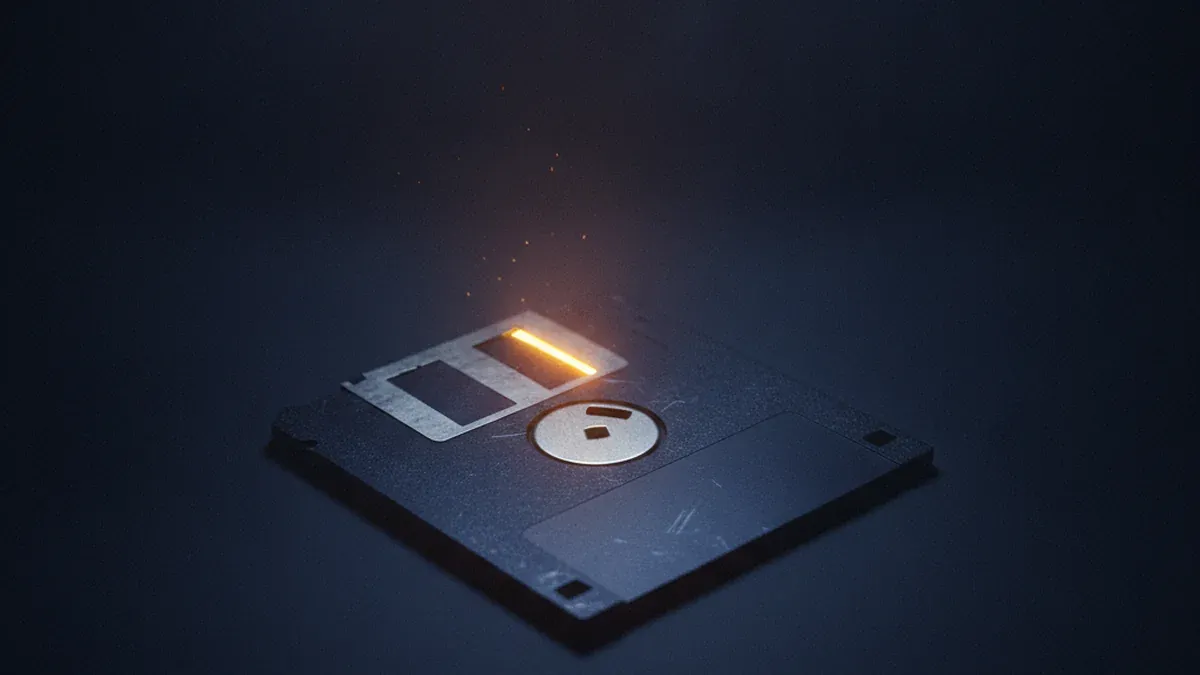
The disk arrived in February 2005. On it was a deleted Word file whose metadata did the investigators’ work for them: the organisation field read “Christ Lutheran Church”, and the document had last been modified by someone named “Dennis”. A web search led to the congregation in Park City and there to the president of its council, Dennis Rader. A DNA comparison confirmed the suspicion, and Rader was arrested that same month. Roughly thirty years of investigation ended at two fields a word processor had filled in without being asked.
A sentence that answers the question
That leaves the objection that all of this involves people who should have known better. Against it stands a sentence spoken in 2014 at Johns Hopkins University. Michael Hayden, former director of both the NSA and the CIA, was debating the legal scholar David Cole about bulk collection of connection records. Cole argued that metadata is extraordinarily revealing. Hayden agreed and went one further: “We kill people based on metadata.”
The line lands hard because it dismantles the standard reassurance. For years the argument had been that no content was being read, only who spoke to whom and when. Hayden confirmed that this surrounding material is sufficient grounds for lethal decisions. Collect the times, places, contacts and frequencies of a person over months and you no longer need their words.
Where metadata sits
Almost every format drags along its own variety. Here is a survey of the places where the most accumulates in everyday use.
Photos are the richest source by far. The EXIF block holds the camera model and serial number, the lens, exposure values, the date and time down to the second, and, if location services were on, the coordinates. A handful of holiday pictures is enough to reconstruct a route, and shots from a balcony can pin down a home address. Many social networks strip the block on upload, but that cannot be relied on, and when a file travels by messenger, cloud folder or email it usually stays intact.
Office documents are the second large source. Word, Excel and their relatives store the author name, the company entered during installation, creation and modification dates and the accumulated editing time. Depending on the settings there may also be earlier versions, comments and tracked changes with names attached. PDF files inherit most of it when exported from an office program and add the producing application on top. Job applications and quotes are the classic trap here: recycle an old template and you may send the previous recipient’s name along with it.
Emails carry their metadata in the header, which hardly any program displays. It lists every server the message passed through, with timestamps, plus the mail client used and, depending on the provider, the sender’s IP address. The subject line is left unencrypted by most encryption schemes as well.
MP3 files look harmless, and most of them are. Their extra information sits in ID3 tags: title, artist, album, genre, year, cover art. It gets interesting with purchased downloads. Apple’s DRM-free tracks contained the buyer’s name and account address for years, something publicly documented as far back as 2007. Pass such a file to a friend and your account identifier goes with it unnoticed. This is no scandal, it is a useful reminder that music files are labelled too.
Smartphones bundle all of the above. They write into photos, keep location histories, log which app ran when and for how long, and report their cell to the network operator. The device is less one source among many than the place where most trails converge.
The edge: encryption protects the content
Here lies the misunderstanding that keeps this topic underrated. An encrypted messenger secures your message reliably against anyone reading along. What it does not conceal is that you wrote to a particular number at 3:14 in the morning, how long the exchange lasted and which region it came from.

Out of such side data a precise picture assembles itself. Someone who speaks to the same person nightly, who calls an addiction helpline, who contacts a lawyer and a newsroom the following day gives a great deal away without a single word being read. Content is often redundant. Connection records never are.
That closes the circle to two tools that run into the same limit in their own ways. A VPN encrypts the transport path and lets you disappear into the crowd of a shared IP, yet it says nothing about what sits inside the files you push through the tunnel. Anyone who feels protected for that reason has fallen for the same false security we described with the VPN. The Tor Browser is similar: it spreads the knowledge of your route across several independent nodes, but one uploaded photo with coordinates undoes that entire chain in a single move. There too the protection stops where your own behaviour begins.
What you can do about it
The good news is that metadata comes off with very little effort. All it takes is the habit of looking before you share.
For photos the operating system already helps. Windows offers “Remove Properties and Personal Information” under Properties in the right-click menu, macOS lets you drop the location when sharing, and both Android and iOS include an option in the share sheet to leave location data out. For a thorough job, exiftool clears everything with one command. It is also worth switching off location tagging in the camera app when you do not need it, because what never gets written needs no deleting. It matters most for photos of children, which our guide to sharenting covers in detail.
For office documents there is a built-in check. In Word and Excel you find it under File, Info, “Check for Issues” and there in the Document Inspector, which locates author names, comments and hidden content and removes them on request. LibreOffice offers something comparable in the document properties. With PDF files, look into the document properties of your viewer, since most PDF tools can clear or overwrite those fields.
For reading metadata, exiftool is the tool of choice because it decodes formats of wildly different origin in one consistent view. The easiest way in, though, runs through your own files. Take a phone photo from last week and see what is written into it. That convinces more lastingly than any list.
Overview: what sits where
| File type | Typical metadata | What it reveals | How to remove it |
|---|---|---|---|
| Photo (JPEG) | EXIF: camera, timestamp, GPS | Whereabouts, daily routine, device | OS dialog or exiftool |
| Word, Excel | Author, company, revisions, editing time | Identity, employer, recycled templates | Document Inspector before sending |
| Author, producing program, timestamps | Origin in the source document | Clear the document properties | |
| Received lines, client, sometimes IP | Route of the message, device, rough location | Barely removable, choose your provider | |
| MP3 | ID3 tags, sometimes buyer data | Account and origin of the file | Clear tags in a music program or exiftool |
The table shows the pattern: wherever a file is created, the creating program notes the circumstances, and those notes travel along. They are no attack on you, they are a by-product of the technology, and they only turn into a problem once a file leaves the circle it was meant for.
What remains in the end is a plain habit. Before you hand a file over, ask yourself what its margins say about you. With holiday pictures in a family chat the answer does not matter. With a photo in a public forum or an application sent to a stranger it very much does. What separates McAfee from any ordinary user is not the technology but the audience. Open up your own files once and the motion becomes automatic afterwards.
Frequently asked questions
- What are examples of metadata?
- In a photo it is the camera model, the aperture, the moment of exposure and often the GPS coordinates of the place. In a Word document it is the author name, the registered company, the creation date and the total editing time. In an email it is the chain of servers the message travelled through, with timestamps and the program used. In a phone call it is both numbers, the duration and the cell tower. What they all share is that they come into being without anyone typing them in.
- How can I read metadata?
- The quickest route runs through the operating system: on Windows a right-click on a file opens Properties with a Details tab, on macOS the Get Info panel in Finder does the same. Far more becomes visible with the free command-line tool exiftool, which decodes almost any file format. For PDF files the Document Properties entry in your viewer is usually enough. Try it on your own holiday photos once, the result teaches more than any explanation.
- How do I remove metadata from an MP3 file?
- Most music programs let you edit the so-called ID3 tags directly and clear them one by one. More thorough is exiftool with the command "exiftool -all= file.mp3", which strips every tag in one pass. Watch out for programs that write fresh tags when saving, so a check after cleaning is worthwhile. And keep the difference in mind between tags and watermarks: a watermark embedded in the audio signal survives the deletion of the tags.
- What is metadata in an MP3?
- MP3 files carry their extra information in ID3 tags, a small block of data at the beginning or the end of the file. It holds title, artist, album, genre, year and the cover art, in other words everything your player shows without analysing the music itself. Purchased downloads have in the past also carried the buyer name and account address, which was documented for years with Apple DRM-free tracks. Pass such a file on and you quietly pass those details along with it.
Continue reading
Google Dorks: What Search Finds That Nobody Meant to Share
Google dorks are search operators like site: and filetype:. How they work, what a small New York dam has to do with them, and how to run them on yourself.

What Google Knows About You — and How to See It
What google knows about me: searches, locations, YouTube, the ad profile. Where to look it all up, how the fragments become a profile, and how to rein it in.

Username Search: How One Handle Ties All Your Accounts Together
A username search can link your gaming profile, old forum posts and dating account. How it works, what WhatsMyName finds, and how to check your own handle.